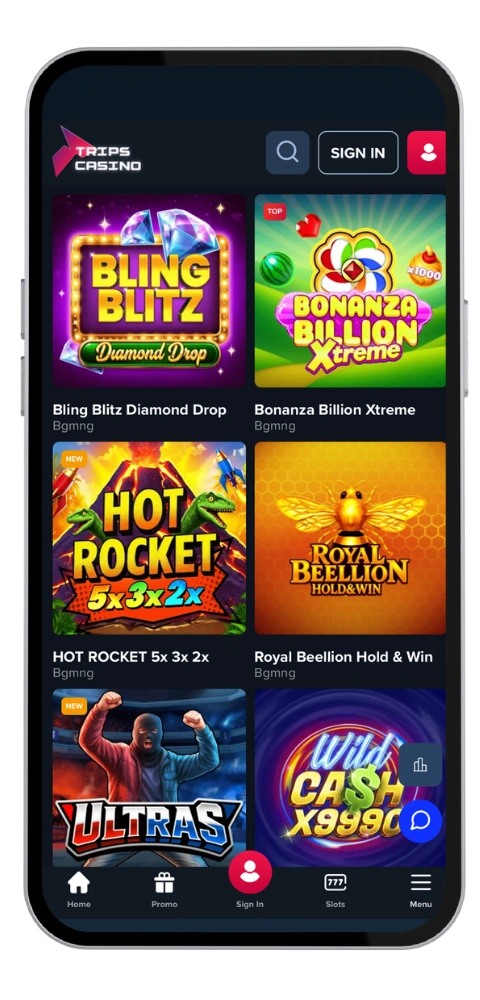
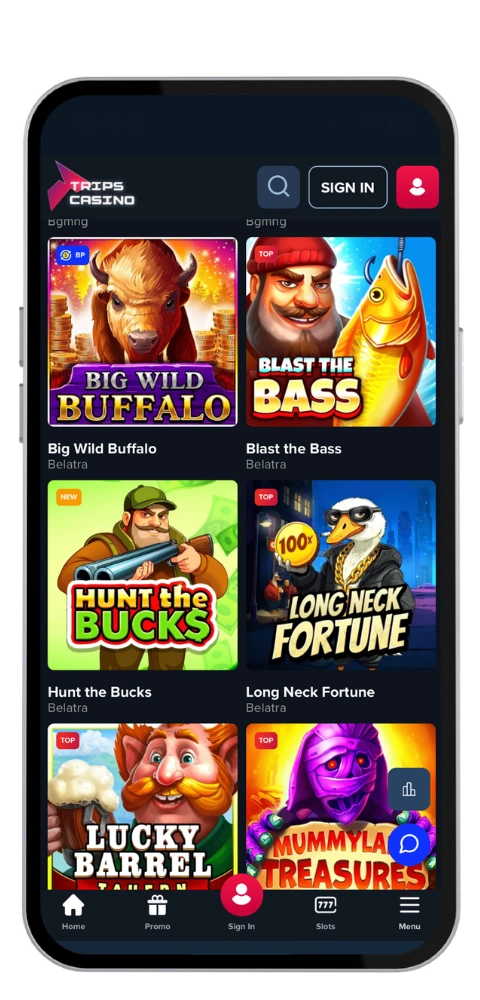
We have developed the Trips Casino app for people who play while travelling on the train, sitting comfortably on the coach or just waiting in the queue at the petrol station. We have over 6,000 games available on the one screen in the palm of your hand including video slots, blackjack, roulette, baccarat, bingo, poker, Sic Bo, scratchcards or sports betting all on the same account.
All in Australian English, and we clear balances in AUD, so you get A$ amounts instead of having to do the exchange rate calculations yourself. Accepted for deposits are Visa, Mastercard, PayPal, Skrill, Neteller, bank transfer, Bitcoin and Ethereum. Tripscasino SRL operates the site on licenses by the Tobique Gaming Commission and Anjouan, and our crew answers email 24/7 [email protected].
TripsCasino Mobile App for Aussie Players
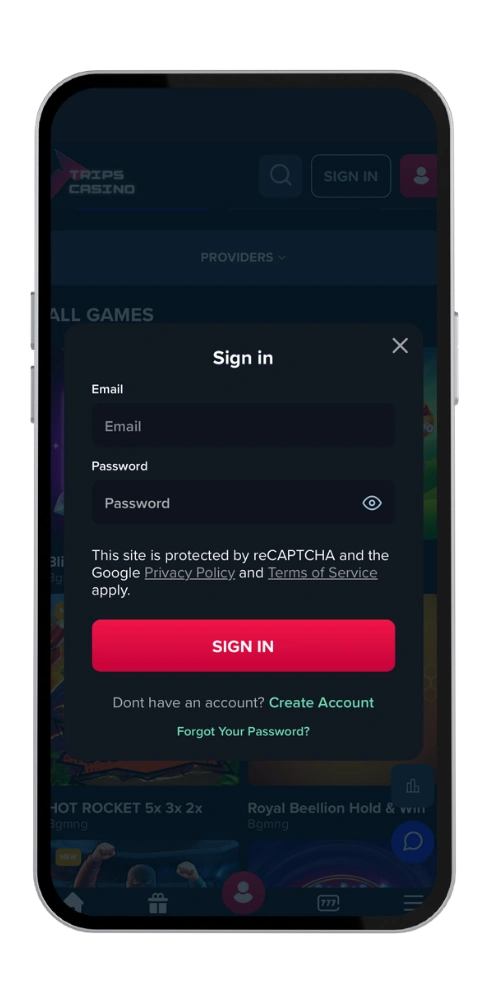
The mobile app weighs 42 MB, so the download and install takes a minute or two. Once it sits on your device, the TripsCasino mobile lobby loads faster than a browser tab, and every screen is optimized for touch, so search finds a game in seconds. Automatic login is off by design, which keeps your account secure if you lose your phone. Updates and new releases arrive on their own, and all the features you use on desktop are here, including your bonus of A$21,000 and 360 free spins.
TripsCasino Download Guide for Every Device
Getting started with our casino app is free and fast. For Android gamers: you download the apk from our official site. For iPhone gamblers: you download it via the App Store. For Windows or Mac laptop lovers: you use it in your web browser. Choose your path below and carry on.
Android Install Steps Without the Guesswork
The TripsCasino android build is compatible with Android 6.0 and higher, requires 42MB free space and takes about 2 minutes to install.
Launch the official Trips Casino site on your mobile.
Tap the download button and save the apk file.
Switch on (Install from unknown sources) in your security settings.
Open the file, install the client application and then login and play.
Setting Up the App on Your iOS Device
The TripsCasino iOS platform requires iOS 13 or newer and can be used on iPhone and iPad. The download is approximately 42 MB, and the installation process is completed in less than two minutes.
Launch the App Store on your itouch or iphone.
Select in the search for Typetrips and Casinos, from the drop-down menu at the top.
Press Get and authenticate via Face ID or enter your password.
Log in to the account and play now (installation free).
TripsCasino App and Web Version Comparison
They both have the same games, the same bonus offers and the same cashout limits of A$3,200 a day, A$8,000 a week and A$32,000 a month. The difference is ease of use. The app keeps a shortcut on your home screen, remembers your filters, and copes with flaky mobile data far better than a browser tab (so it doesn’t matter so much if you dip in and out of it).
The browser version does not require any installation, so it is very handy for Windows users or Mac users with a large display, since the Trips Casino casino lobby displays more rows of slot machines and the live tables are more granular. It is also beneficial if you are running out of disk space or you are sharing the computer at home. We have support staff for both, and we don’t impose casinos fees on deposits or withdrawals whichever option you choose.